Plan
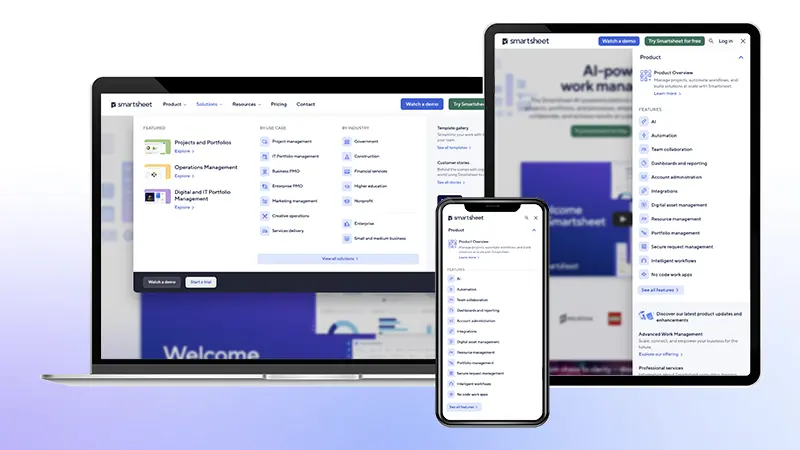
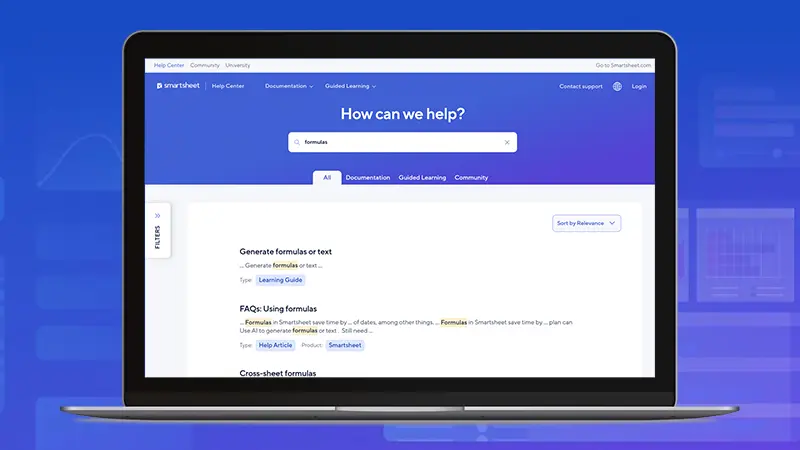
A third-party accessibility audit of Smartsheet's web properties validated the engineering team's hypothesis: there were several opportunities for improvement to achieve WCAG 2.1 AA compliance, especially for interactive components.
Leading the front-end effort, I helped provide recommendations for a plan of action for the team to organize our work by component and by issue type. Many of the issues could be resolved centrally in our component-based system.
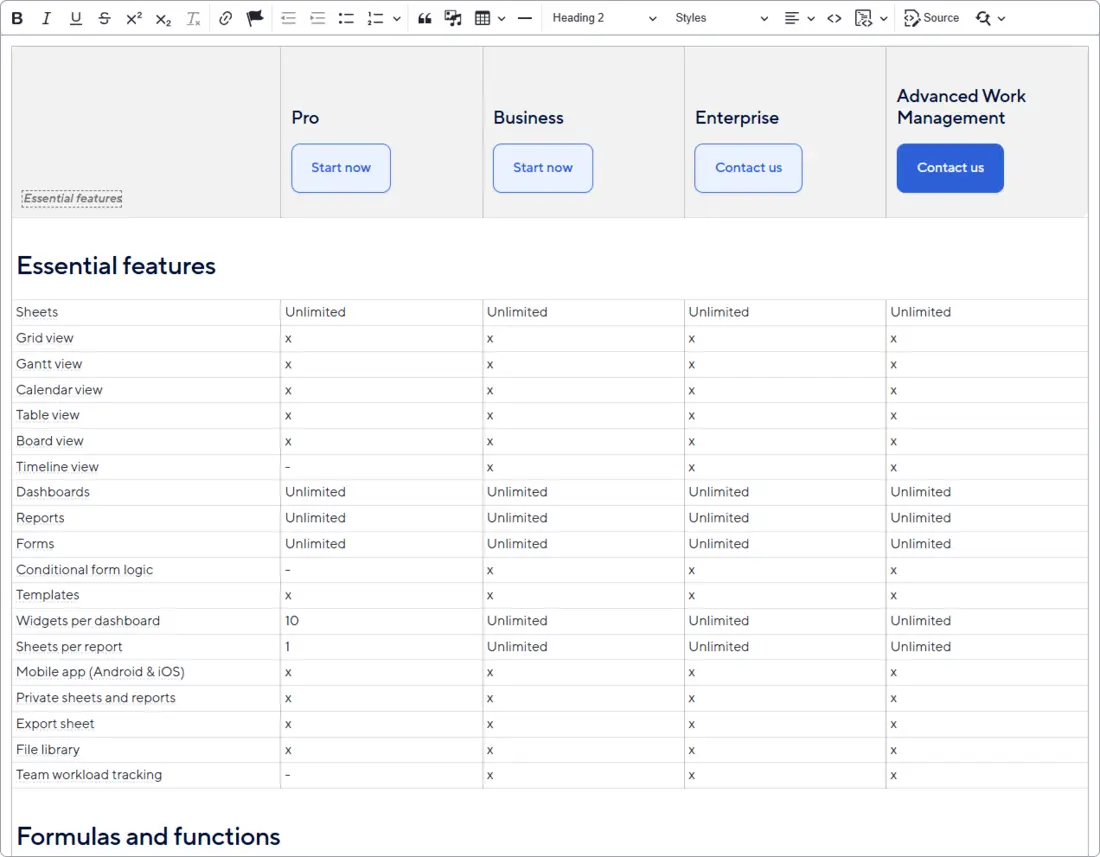
One of the more complex findings was on the Plans and Pricing page, which is one of the highest trafficked pages on the primary Smartsheet website. The large features comparison data table was inaccessible as it was not navigable by a keyboard or screenreader. As the engineer working on this issue, I determined the best solution was to re-engineer the table’s structure following the treegrid pattern.
Process
Cross-site remediation process
I oversaw the front-end effort, providing recommendations for refactoring and implementing complex fixes. As we worked through completing over 165 issues in JIRA, a key part of the process was establishing a feedback loop: I conducted code reviews on the team's component refactors, while also having the team code review and test my work. This collaborative approach ensured that accessibility standards became an ingrained part of the team’s development culture moving forward.
Features table process
For this remediation item, because this table is in a rich text field maintained by non-engineers, the simplest way to ensure long-term accessibility and ease of maintenance was to apply the necessary attributes via JavaScript. I wrote JavaScript functions that parse the table ensuring the appropriate aria, tabindex, role, and scope values are accurate on both load and user interaction.
The updated experience allows for keyboard navigation throughout the table using the expected treegrid keyboard commands and is a much more useful experience for screen readers.
The authoring experience is still simple given the complexity of the table. Website authors are able to update data in in this treegrid without the need for engineering support:
Impact
Due to our cross-site remediation effort, we surpassed our original goal of 90%+ WCAG 2.1 AA compliance. Beyond the scope of the official remediation project, we have continued to improve components to ensure they conform to WCAG standards.
The project resulted in a significant uplift in the front-end team's technical proficiency and governance of accessibility. We now proactively integrate both automated and manual testing into our workflow:
- Automated checks: Leveraging tools like WebAIM and Lighthouse for fast, baseline auditing of components.
- Manual validation: Using screen reader software, specifically NVDA, to manually test user flows and confirm that interactive elements function correctly within their intended context, as we understand that automated tools can only catch a fraction of issues.
This project transitioned accessibility from a reactive fix to a proactive development standard for all future projects at Smartsheet.